Welcome! Grab a coffee — we'll unpack what building an app really costs, feature by feature. 🧪 🚀
| Quick answer: app pricing follows feature count, not vibes; a lean single-purpose app costs a fraction of a multi-role system with payments and admin. |
The same app idea gets quoted at R25,000 and R250,000 in the same week 📱. Both developers are being honest — they are pricing different versions of the idea. Feature count and platform decide the number, in that order, and neither is settled until a written list exists.
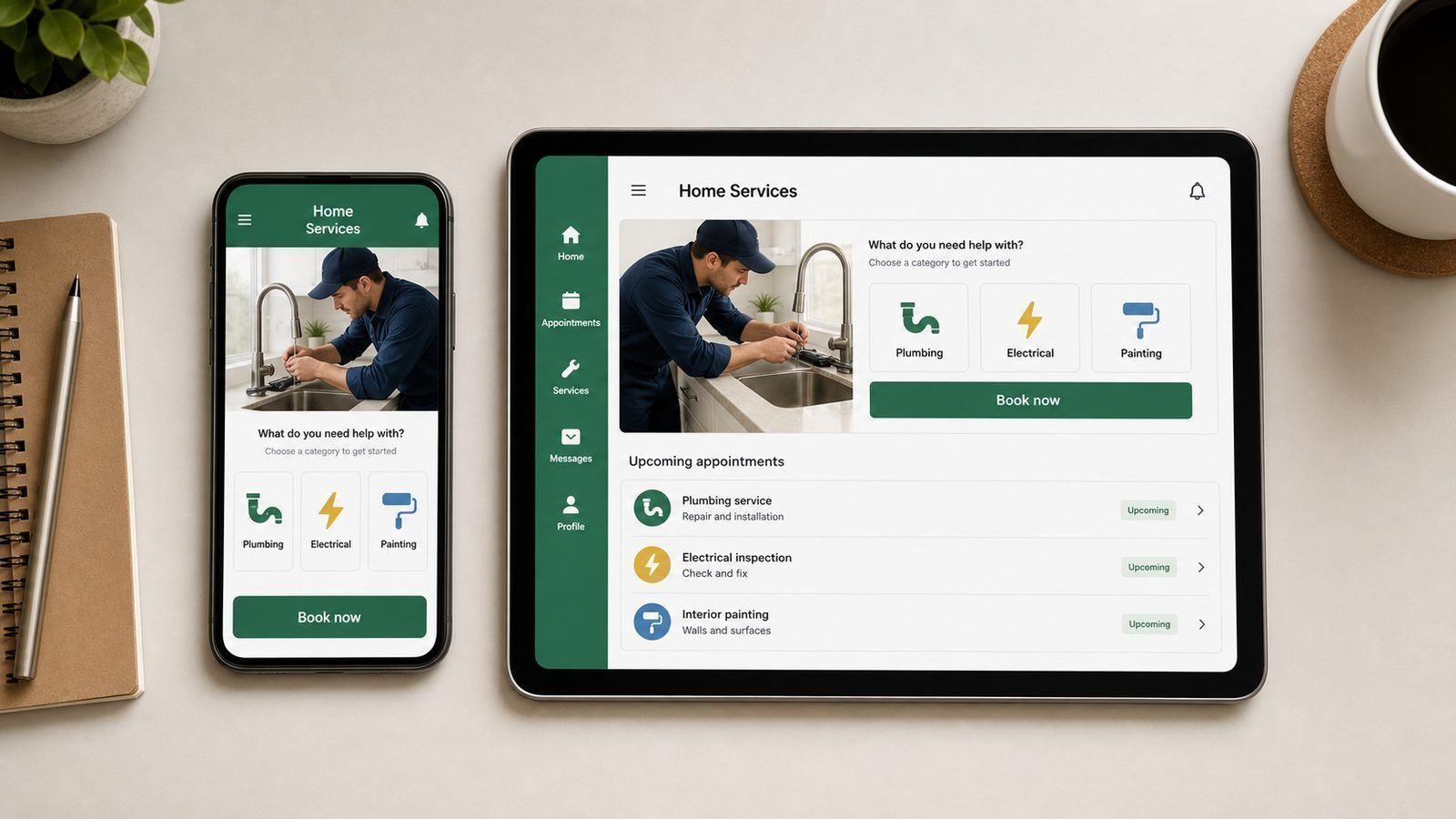
Price Bands by App Type
| Type of app | Build | Timeline |
|---|---|---|
| Simple app (info, form, contact) | R15,000 – R35,000 | 3 – 5 weeks |
| Booking app (calendar, reminders) | R35,000 – R90,000 | 6 – 10 weeks |
| Delivery or tracking app | R80,000 – R200,000 | 10 – 16 weeks |
| Two-sided marketplace | R120,000 – R250,000+ | 12 – 20 weeks |
The Features That Quietly Double a Build 🧱
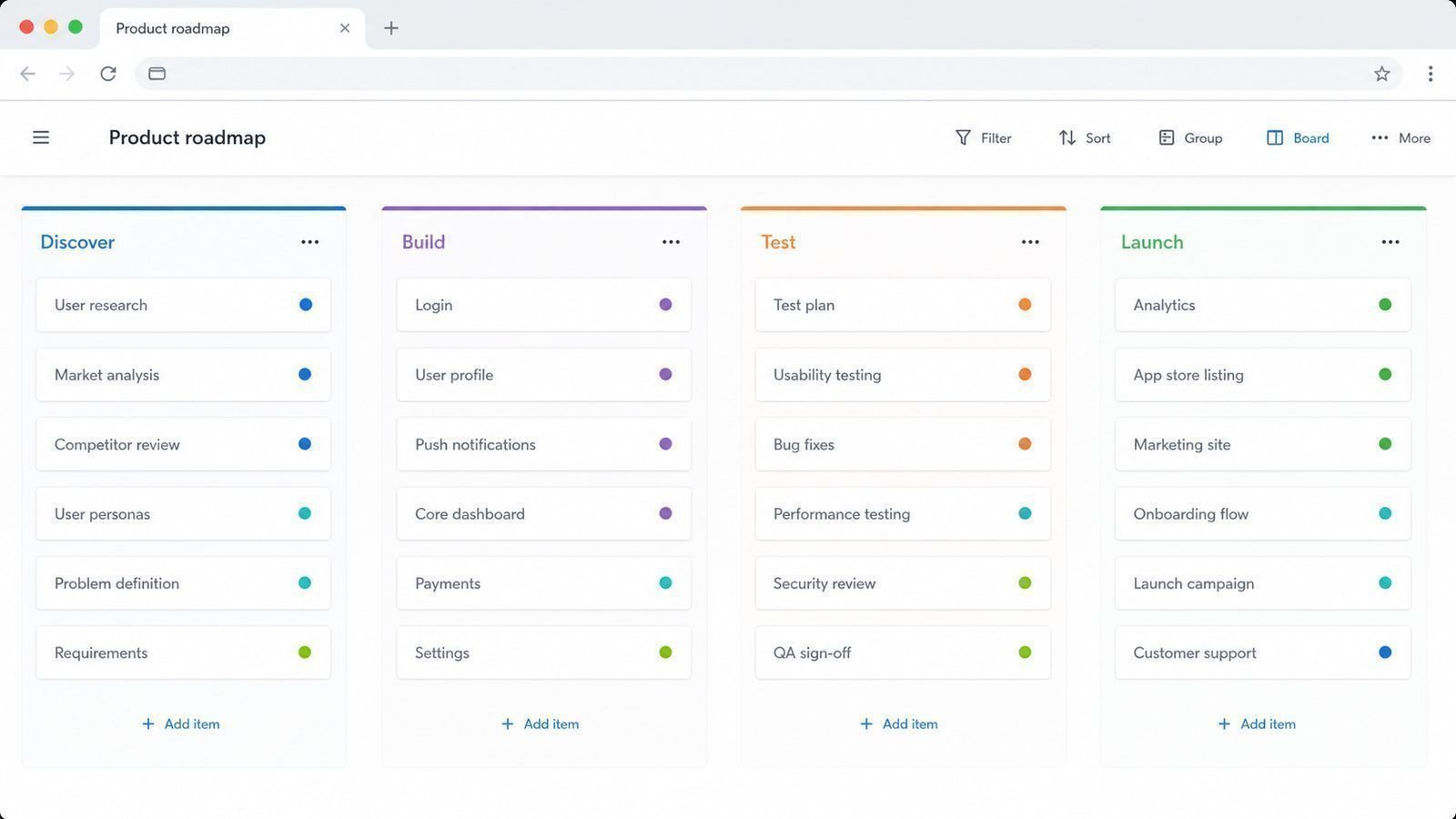
Payments, live location, in-app chat, two user roles, offline use and reporting dashboards. Each looks like one line on a wish list and behaves like an extra project behind the scenes. Adding one later is cheap; retrofitting five into a foundation that was never built for them is what turns R30,000 into R70,000.
Platform Changes the Price 💳
A web app that runs in the browser is the cheapest honest route to market: no app store approval, no store fees, launched in weeks. Android only is next. Both stores together costs roughly one and a half times a single-platform build. For most small businesses, the right first question is not which store — it is whether this can live in a browser first.
The Bills After Launch
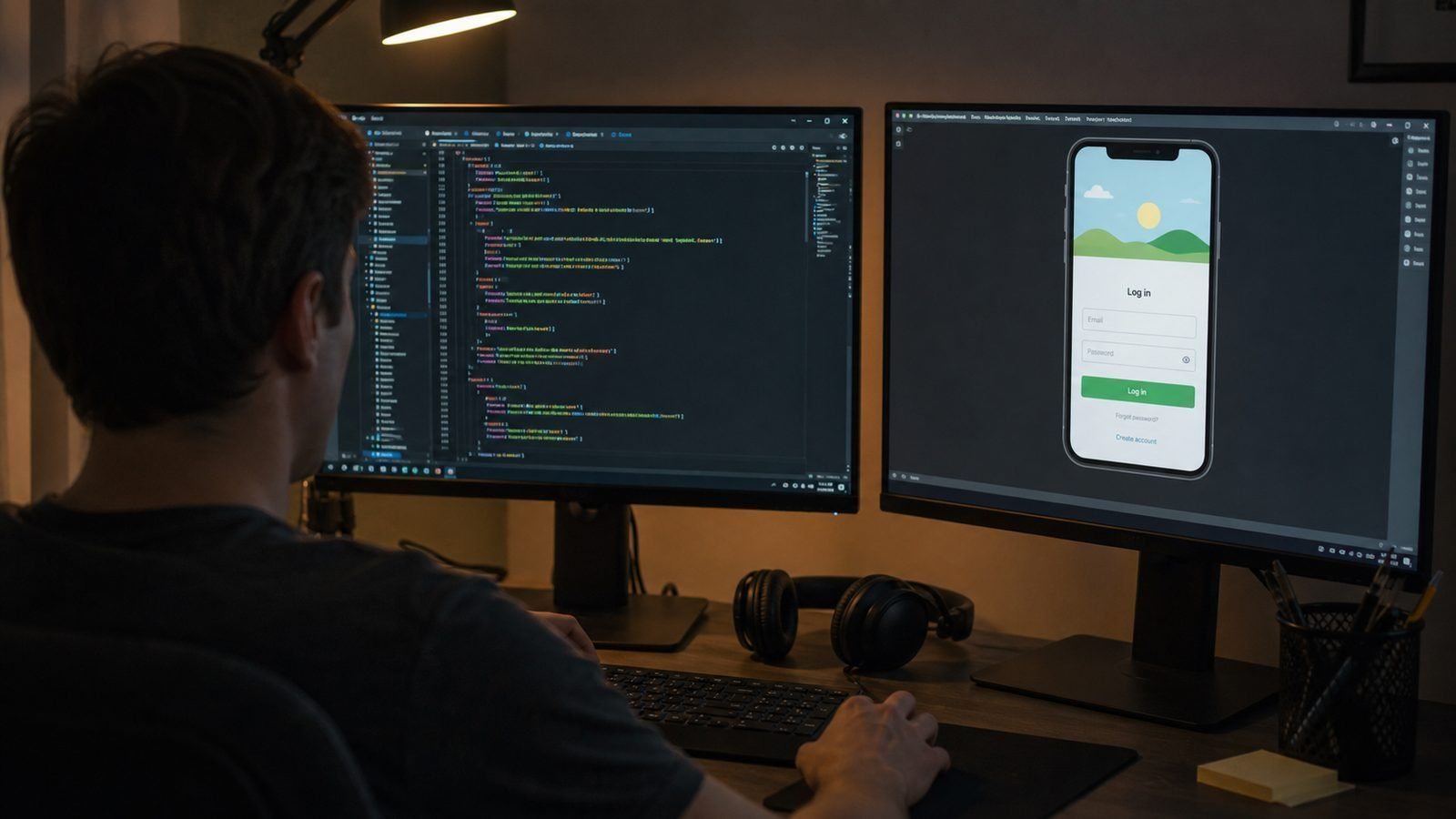
- Hosting and database: R300 – R3,000 per month
- Store accounts: annual developer fees
- Maintenance: 15% – 20% of build cost per year
- Version two: real users behave differently to the plan
The Pre-Build Checklist
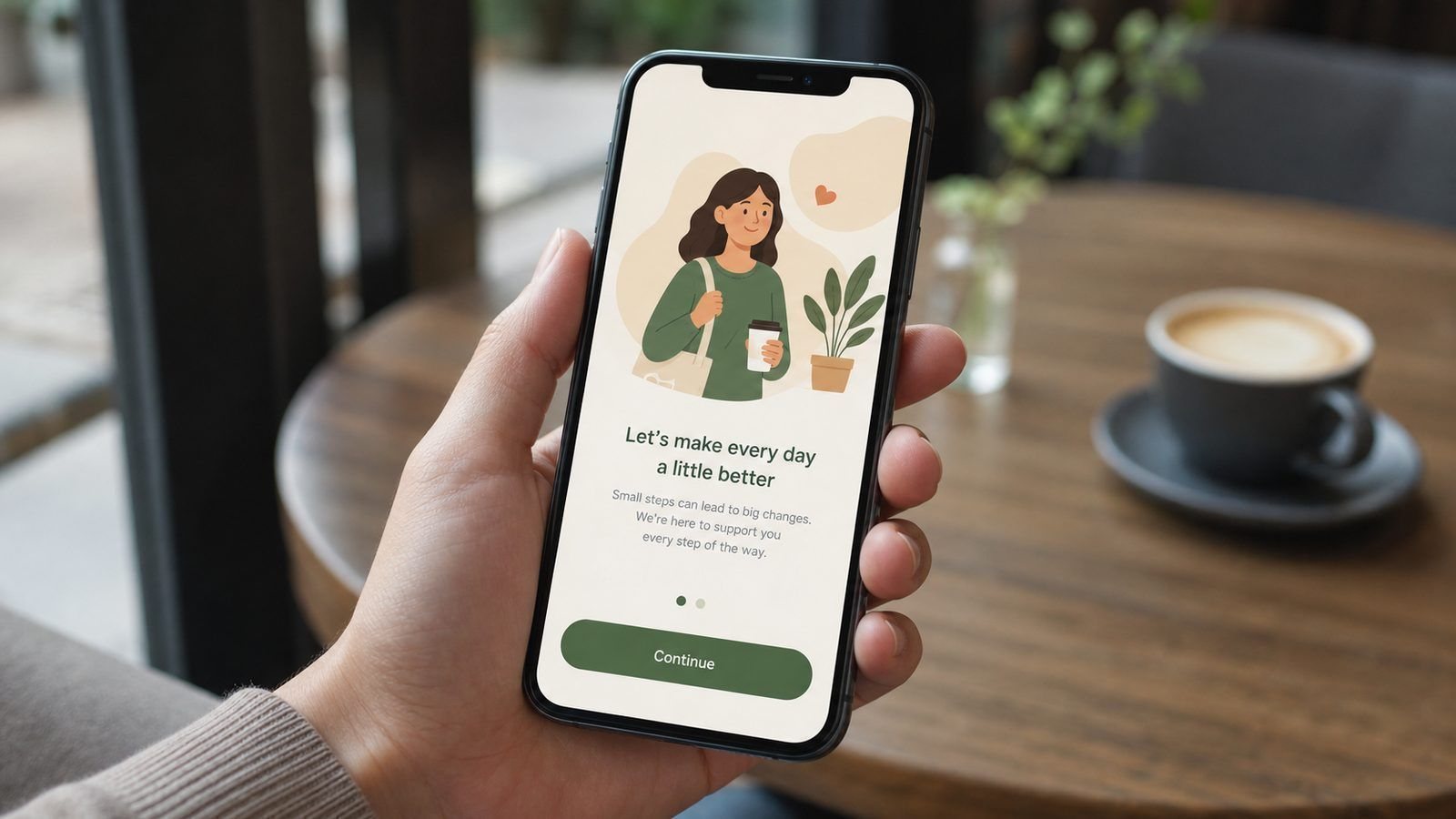
Before a single screen is designed, get five things on paper: the feature list in plain language, the platforms the app must run on, who supplies content and images, what the first release deliberately excludes, and how the code, accounts and data will be handed to you. Anything not on that paper is a change request later.
Then agree how the work will be delivered: milestones with dates, and what you will see at each one. A phased build with visible milestones is not just calmer — it is cheaper, because problems get caught while they are still cheap sentences instead of expensive rebuilds.
What To Do With the Money You Save
If you trim the first version, spend part of the saving on things that make the app succeed rather than on nothing: sharper screen design, faster onboarding, or a small budget to get the first hundred users through the door. An app with no users teaches you nothing, however well built.
The most common failure we see is a beautifully built app with no plan for the first month after launch. Software is a business tool, not a lottery ticket — the effort after launch decides whether the build was worth it far more than the last 10% of polish before it.
Where App Budgets Get Wasted
Four places, in order of how often we see them. Building every feature in the first release instead of the five that matter. Designing pixel-perfect screens for features that later get removed. Custom-building something a standard component already does well, like sign-in or payments. And rebuilding an existing app from scratch because nobody documented what it actually did.
Each of these usually adds 15% to 30% to a budget. None of them makes the app better for the first hundred users. The businesses that ship fastest and cheapest are the ones that decide what the app must do, deliver exactly that, and use the first month of real usage to decide what comes next.
A Ten-Point App Brief
Give any developer these ten answers and the quotes you receive will be comparable instead of creative.
| # | Answer |
|---|---|
| 1 | What the app does in one sentence |
| 2 | Who uses it, and on what devices |
| 3 | The five features of the first release |
| 4 | What is deliberately left for later |
| 5 | Logins, roles and permissions |
| 6 | What it must connect to |
| 7 | Who supplies content and images |
| 8 | Your launch date and why |
| 9 | Your honest budget range |
| 10 | How you will know it worked |
Point ten is the one most owners leave blank, and it is the one that decides whether the money was well spent.
Frequently Asked Questions
Can I build an app for under R20,000?
Yes, if it does one job well and you keep the design simple. That budget buys a focused first version, not a marketplace.
Do I own the app if I pay for it?
You should own the code, accounts and data, with the right to move to another team. Get it in writing before the deposit.
How do I keep costs down without hurting quality?
Phase it: launch the smallest useful version, watch what people actually do, then fund version two with facts instead of guesses.
Do app prices include the app store fees?
No. Store registration, developer accounts and any commission on in-app purchases sit outside the build quote. Ask for those numbers in the proposal so year one is fully costed — they are small individually and annoying when they arrive unannounced.
How do I compare two very different app quotes?
Put the feature lists side by side. Where one list is longer, ask what the other left out deliberately. When both lists match, the cheaper quote is genuinely cheaper.
Do I need to pay for the whole build upfront?
No. Milestone payments are standard: discovery, first working version, testing round, launch. If a developer wants everything before starting, that is a warning worth hearing.
Stop guessing what your app will cost. See how apps are priced, phase by phaseGet my free app quotation |